
Getting started
Xcode 27.1 requirements & setup
Compare Apple’s Duo toolchain guidance with newer betas, then check requirements and dated limitations.
FIND YOUR NEXT STEP
26 resources available
Compare Apple’s Duo toolchain guidance with newer betas, then check requirements and dated limitations.
Install the runtime and test native apps across display, fold and orientation changes.
Use configuration-specific references, then distinguish window insets, margins and fold-reserved regions.
Plan the current window and preserve the task; a wide iPhone layout does not require an iPad target.
Plan checks for layouts, state, input and hybrid behavior across device changes.
Coordinate native and web layout, with a responsive fallback for opt-in Safari experiments and a Vue example.
Find design starting points, dated tool updates and selected written Apple answers, with review limits.
Frame the device, bring one accessible design and keep preview configuration separate from saved design content.
Use chapter links and review prompts to turn Apple’s session into a design exercise.
Separate UI kits, presentation bezels and interactive prototypes; verify the actual file before use.
Plan control groups, ordering and overflow with a practical review worksheet.
Check the sharing plan, recipient access, starting flow and scaling before presenting client work.
Apple’s design guidance on controls, display compositions and fold avoidance; source text checked, playback not tested.
Apple’s control-group, ordering and overflow guidance for design handoff and native implementation.
An implementation-focused Apple session on available space and fold-reserved layout regions.
Choose UI-kit components or presentation bezels; verify the actual file, access and terms separately.
An independent practical overview of foldable app design. Its tool-release timeline predates the current setup; use Apple’s current Duo hub and downloads for version decisions.
French-language commentary on the announced device and interface, not an official specification.
An independent announcement follow-up, not a newly verified post-release device test.
The creator’s first-impressions video; playback and device observations were not re-verified in this update.
An attributed travel-design concept for inspiration; file access and preview behavior remain unverified.
An author-published fintech concept, not a verified downloadable prototype.
An author-published folding-workspace concept for discussing task continuity, not an importable example.
A presentation mockup reference; check the original file and terms. It is not a verified interactive prototype.
 Tool
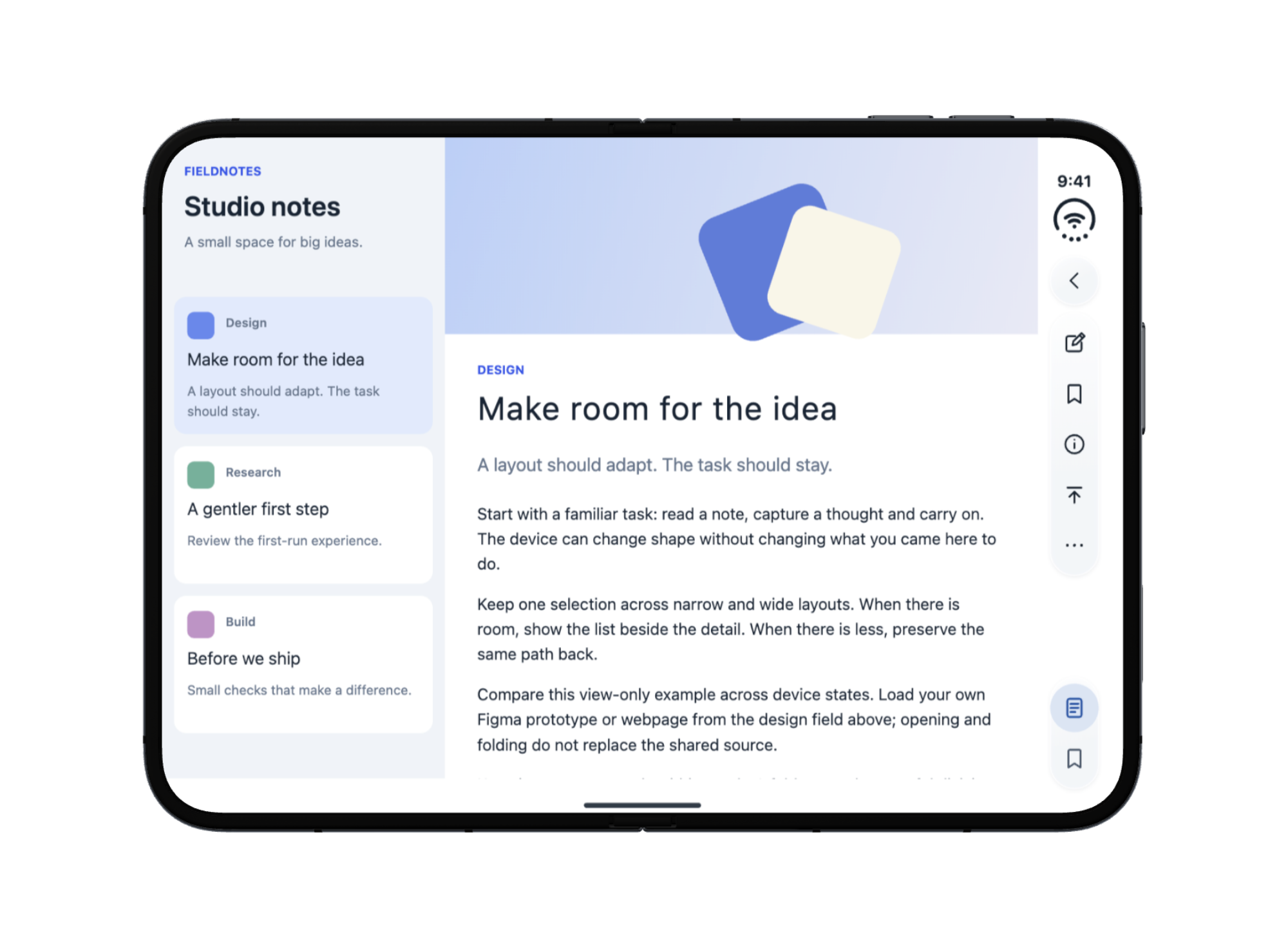
ToolStart with an example and preview an iPhone Duo design in your browser.
Record your iPhone Duo layout, state and delivery checks.